Mastering JavaScript: Data Structures

Keyed Collections
Map
Overview
A Map object holds key-value pairs where keys can be of any type. Unlike objects, Maps maintain the insertion order of their elements.
Creating a Map
To create a new Map, use the Map constructor:
const map = new Map();
Adding and Accessing Elements
You can add key-value pairs using the set method and retrieve them with the get method:
map.set('name', 'John');
map.set(1, 'one');
map.set(true, 'boolean');
To access values:
console.log(map.get('name')); // Output: John
console.log(map.get(1)); // Output: one
console.log(map.get(true)); // Output: boolean
Iterating Over Maps
Maps can be iterated using forEach, for...of, or the forEach loop:
// Using forEach
map.forEach((value, key) => {
  console.log(`${key}: ${value}`);
});

// Using for...of
for (const [key, value] of map) {
  console.log(`${key}: ${value}`);
}
Properties and Methods
Size: Returns the number of elements.
console.log(map.size); // Output: 3has(): Checks if a key exists.
console.log(map.has('name')); // Output: truedelete(): Removes a specific key-value pair.
map.delete('name'); console.log(map.has('name')); // Output: falseclear(): Removes all key-value pairs.
  map.clear();
  console.log(map.size); // Output: 0
Use Case Example
Maps are ideal for storing key-value pairs with keys of any type and maintaining insertion order.
const studentScores = new Map();
studentScores.set('Alice', 85);
studentScores.set('Bob', 92);
studentScores.set('Charlie', 78);

studentScores.forEach((score, name) => {
  console.log(`${name}: ${score}`);
});
WeakMap
Overview
A WeakMap is similar to a Map, but its keys must be objects and it allows garbage collection of keys when they are no longer referenced elsewhere.
Creating a WeakMap
const weakMap = new WeakMap();
Adding and Accessing Elements
const obj = { id: 1 };
weakMap.set(obj, 'value');

console.log(weakMap.get(obj)); // Output: value
Properties and Methods
has(): Checks if a key exists.
console.log(weakMap.has(obj)); // Output: truedelete(): Removes a key-value pair.
  weakMap.delete(obj);
  console.log(weakMap.has(obj)); // Output: false
Use Case Example
WeakMaps are useful for storing private data for objects, allowing the object to be garbage collected when no longer needed.
const userData = new WeakMap();

function createUser(id, name) {
  const user = { id, name };
  userData.set(user, { age: 25, email: 'user@example.com' });
  return user;
}

const user = createUser(1, 'John Doe');
console.log(userData.get(user)); // Output: { age: 25, email: 'user@example.com' }

Set
Overview
A Set object lets you store unique values of any type, whether primitive values or object references.
Creating a Set
const set = new Set();
Adding and Accessing Elements
set.add('apple');
set.add('banana');
set.add('cherry');
To check if a value exists:
console.log(set.has('banana')); // Output: true
Iterating Over Sets
Sets can be iterated using forEach, for...of, or the forEach loop:
// Using forEach
set.forEach(value => {
  console.log(value);
});

// Using for...of
for (const value of set) {
  console.log(value);
}
Properties and Methods
Size: Returns the number of elements.
console.log(set.size); // Output: 3delete(): Removes a specific element.
set.delete('banana'); console.log(set.has('banana')); // Output: falseclear(): Removes all elements.
  set.clear();
  console.log(set.size); // Output: 0
Use Case Example
Sets are perfect for storing a collection of unique items.
const uniqueIds = new Set([1, 2, 3, 4, 5]);
uniqueIds.add(6);
uniqueIds.delete(2);
uniqueIds.forEach(id => console.log(id));
Indexed Collections
Typed Arrays
Overview
Typed Arrays are array-like objects that provide efficient access to raw binary data in memory.
Creating a Typed Array
To create a Typed Array, specify the type of elements it will hold, such as Int8Array, Uint8Array, Float32Array, etc.:
const intArray = new Int8Array(4); // Creates an array of 4 8-bit signed integers
const floatArray = new Float32Array([1.5, 2.3, 3.1]); // Creates an array from an array-like object
Accessing and Modifying Elements
Typed Arrays allow direct access to their elements for reading and writing:
intArray[0] = 42;
console.log(intArray[0]); // Output: 42
Properties and Methods
length: Returns the number of elements.
console.log(intArray.length); // Output: 4buffer: Returns the ArrayBuffer associated with the Typed Array.
const buffer = intArray.buffer;slice(): Returns a shallow copy of a portion of the Typed Array into a new Typed Array object.
const subArray = floatArray.slice(1, 2); // Copies the element at index 1
Use Case Example
Typed Arrays are ideal for scenarios requiring efficient manipulation of binary data, such as image processing.
const data = new Uint8Array([10, 20, 30, 40]);
data.forEach(value => console.log(value));
Arrays
Overview
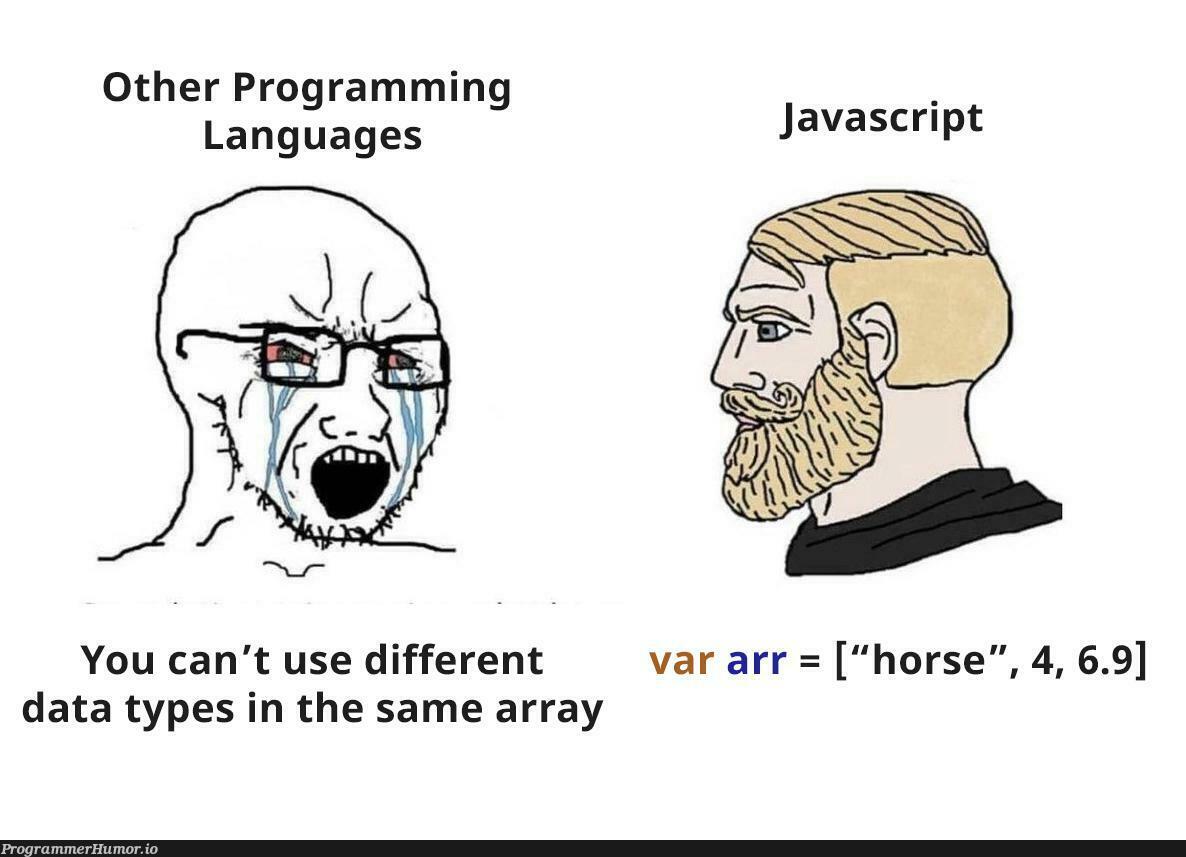
Arrays in JavaScript are a versatile data structure for storing elements indexed by integers.
Creating an Array
You can create an array using array literals or the Array constructor:
const fruits = ['apple', 'banana', 'cherry'];
const numbers = new Array(1, 2, 3, 4, 5);
Accessing and Modifying Elements
Arrays support random access to elements using index notation:
console.log(fruits[0]); // Output: apple
fruits[1] = 'pear';
console.log(fruits); // Output: ['apple', 'pear', 'cherry']
Iterating Over Arrays
Arrays can be iterated using forEach, for...of, or traditional loops:
// Using forEach
fruits.forEach(fruit => console.log(fruit));

// Using for...of
for (const fruit of fruits) {
  console.log(fruit);
}
Properties and Methods
length: Returns the number of elements in the array.
console.log(numbers.length); // Output: 5push(): Adds one or more elements to the end of the array.
numbers.push(6); console.log(numbers); // Output: [1, 2, 3, 4, 5, 6]pop(): Removes the last element from the array and returns it.
  const lastElement = numbers.pop();
  console.log(lastElement); // Output: 6
Use Case Example
Arrays are widely used in JavaScript for managing collections of data.
const shoppingList = ['milk', 'eggs', 'bread'];
shoppingList.push('cheese');
shoppingList.forEach(item => console.log(item));
Structured Data - JSON
JSON Overview
What is JSON?
JSON (JavaScript Object Notation) is a lightweight data interchange format that is easy for humans to read and write, and easy for machines to parse and generate. It is based on JavaScript object syntax but is independent of any programming language.
JSON Syntax
JSON data is formatted as key-value pairs, similar to JavaScript object literals:
{
  "name": "John Doe",
  "age": 30,
  "isStudent": false,
  "courses": ["Math", "Science", "History"],
  "address": {
    "street": "123 Main St",
    "city": "Anytown"
  }
}
Objects: Enclosed in curly braces
{}, with key-value pairs separated by commas.Arrays: Ordered lists of values enclosed in square brackets
[].Values: Strings in double quotes, numbers, booleans (
trueorfalse), arrays, objects, ornull.
Example JSON Data
Here’s an example of JSON representing information about a person:
{
  "name": "John Doe",
  "age": 30,
  "isStudent": false,
  "courses": ["Math", "Science", "History"],
  "address": {
    "street": "123 Main St",
    "city": "Anytown"
  }
}
JSON Methods and Operations
Parsing JSON
In JavaScript, you can parse JSON strings into JavaScript objects using JSON.parse():
const jsonString = '{"name":"John Doe","age":30,"isStudent":false}';
const obj = JSON.parse(jsonString);
console.log(obj.name); // Output: John Doe
Stringifying Objects
Conversely, JavaScript objects can be converted to JSON strings using JSON.stringify():
const person = {
  name: "Jane Smith",
  age: 25,
  isStudent: true,
  courses: ["English", "Art"],
  address: {
    street: "456 Elm St",
    city: "Smalltown"
  }
};

const jsonStr = JSON.stringify(person);
console.log(jsonStr);
Handling JSON Errors
Parsing JSON can throw errors if the JSON is malformed. Handle errors using try...catch:
const invalidJsonString = '{name:"John Doe"}';

try {
  const obj = JSON.parse(invalidJsonString);
  console.log(obj);
} catch (error) {
  console.error('Invalid JSON:', error.message);
}
Use Cases for JSON
Data Exchange
JSON is widely used for transmitting data between a server and a web application due to its lightweight nature.

Configuration Files
JSON is used for configuration files because of its human-readable and easy-to-edit format.
Storing Complex Data
JSON is suitable for storing complex data structures such as nested objects and arrays.
const config = {
  "server": {
    "host": "example.com",
    "port": 8080,
    "protocol": "https"
  },
  "features": ["search", "analytics"]
};
Conclusion
Understanding JavaScript collections such as Maps, Sets, and WeakMaps provides essential tools for managing data efficiently in your applications. Each collection type offers distinct advantages, whether you need key-value pairs with Maps, unique values with Sets, or private object data with WeakMaps. These collections empower you to handle diverse data structures effectively, ensuring optimal performance and flexibility in your JavaScript projects.
As you continue your journey in mastering JavaScript, our next article will delve into value comparisons. We'll explore the nuances of operators like ==, ===, and Object.is, as well as equality algorithms such as isLooselyEqual, isStrictlyEqual, SameValueZero, and SameValue. Understanding these concepts is crucial for writing reliable and predictable JavaScript code. Stay tuned!
About the author
As a passionate Software Developer, I thrive on crafting dynamic and user-centric applications. With a strong foundation in full-stack development, I'm dedicated to delivering top-notch experiences through robust code and innovative solutions.
Comments
Join the discussionNo comments yet. Be the first to comment.
Mastering JavaScript: A Comprehensive Guide
Embark on a journey from novice to ninja in JavaScript. This series follows roadmap.sh's JavaScript guide, offering a structured path to mastering the language. Dive deep into fundamentals, advanced concepts, and best practices.